
Set up your store. Customize every step.
Build your WooCommerce store visually, from product pages to checkout and customer accounts. Start with guided layout setup, then tailor the shopping experience with Bricks elements, templates, and design controls.
Build your entire WooCommerce store with Bricks
Design your shop, product archives, single products, cart, checkout, and customer accounts with dozens of WooCommerce elements. Bring your layouts, product information, and store styling together in Bricks.
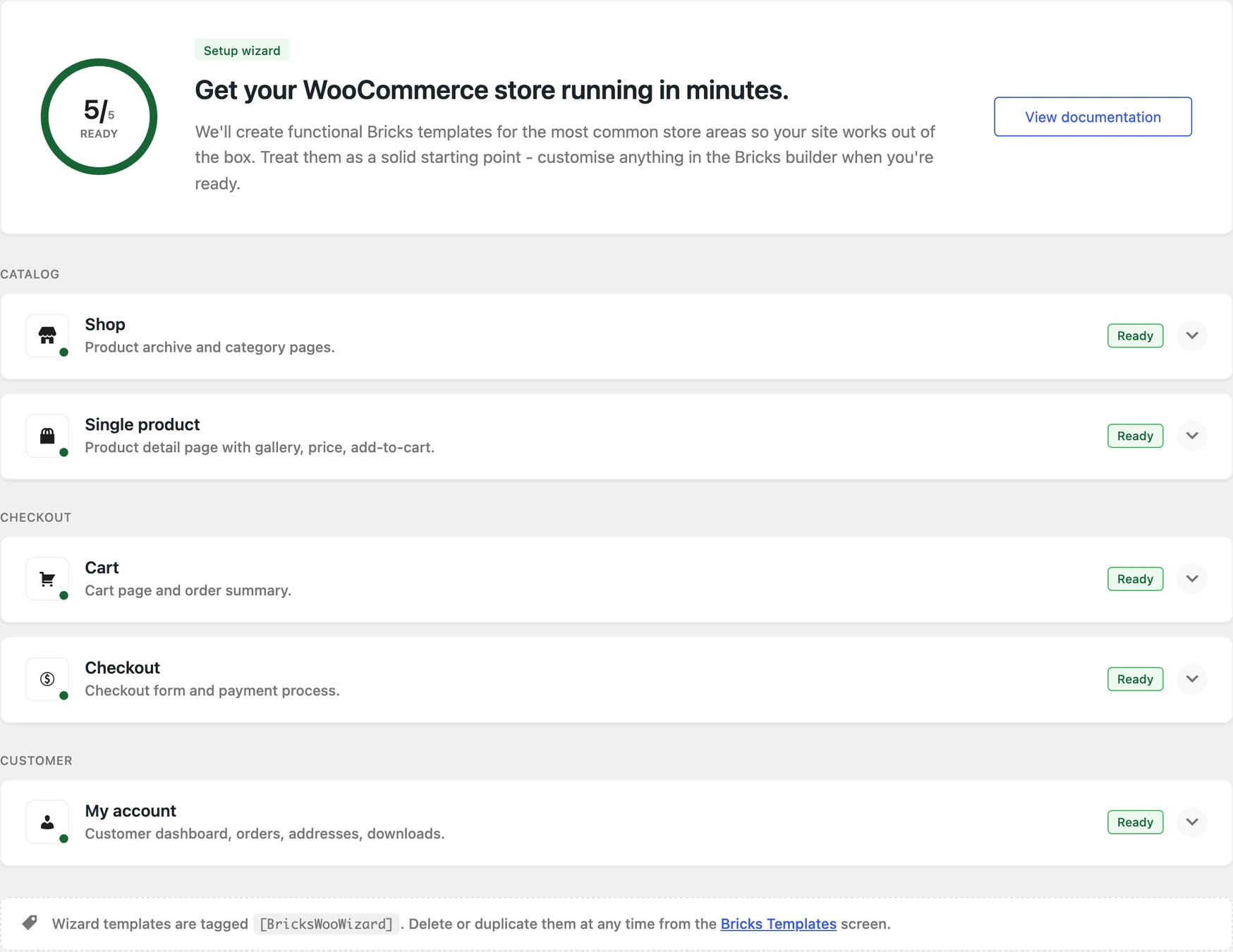
Start with the layouts your store needs
Check your store’s layout setup and create or repair the Bricks structures for your shop, products, cart, checkout, and account pages. Review missing setup details and existing templates before applying a preset.
Explore the Setup Wizard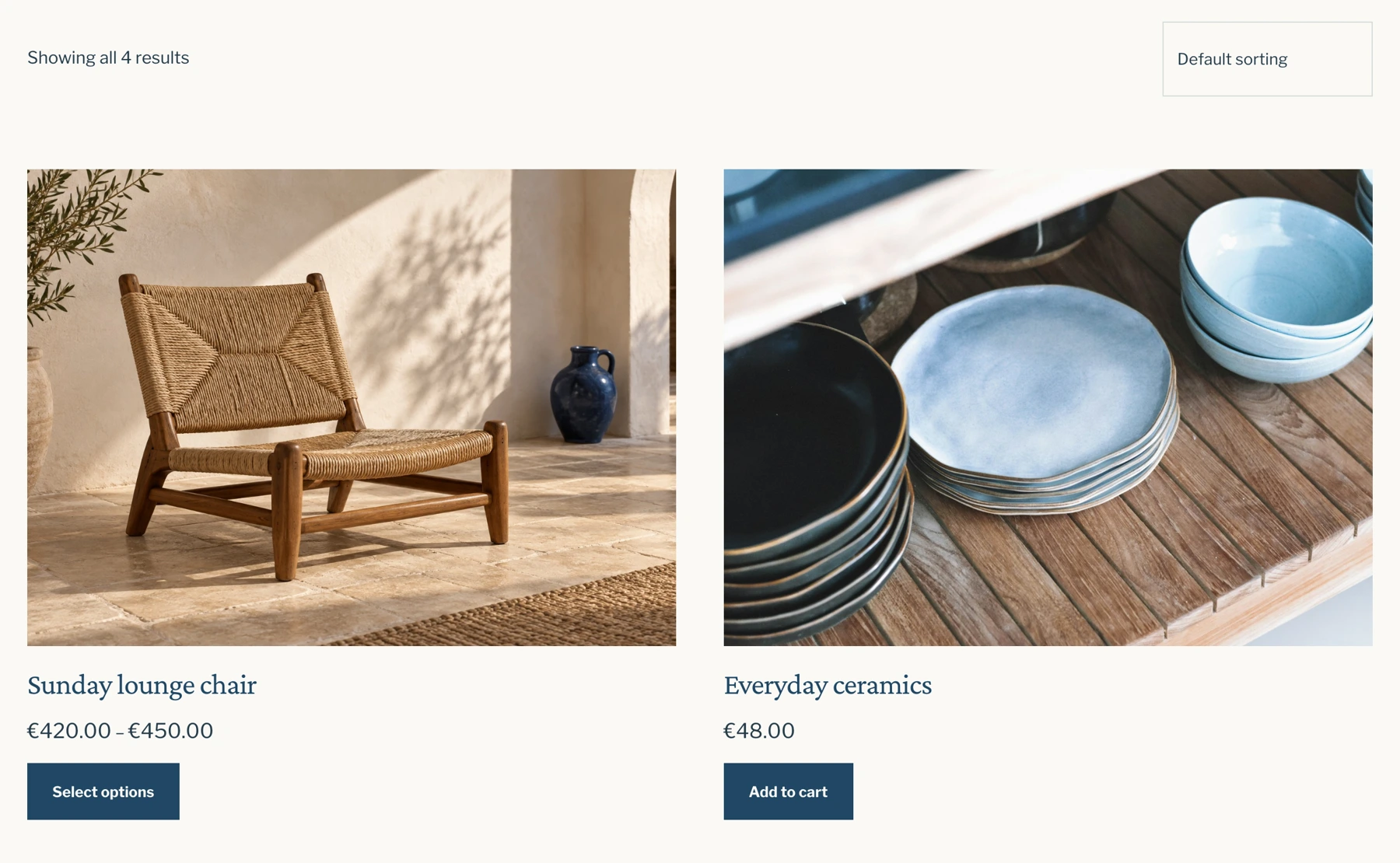
Help shoppers find the right products
Build product archives with custom layouts, sorting, and filters. Let shoppers narrow their selection by product attributes and availability, with stock filtering that can account for individual variations.
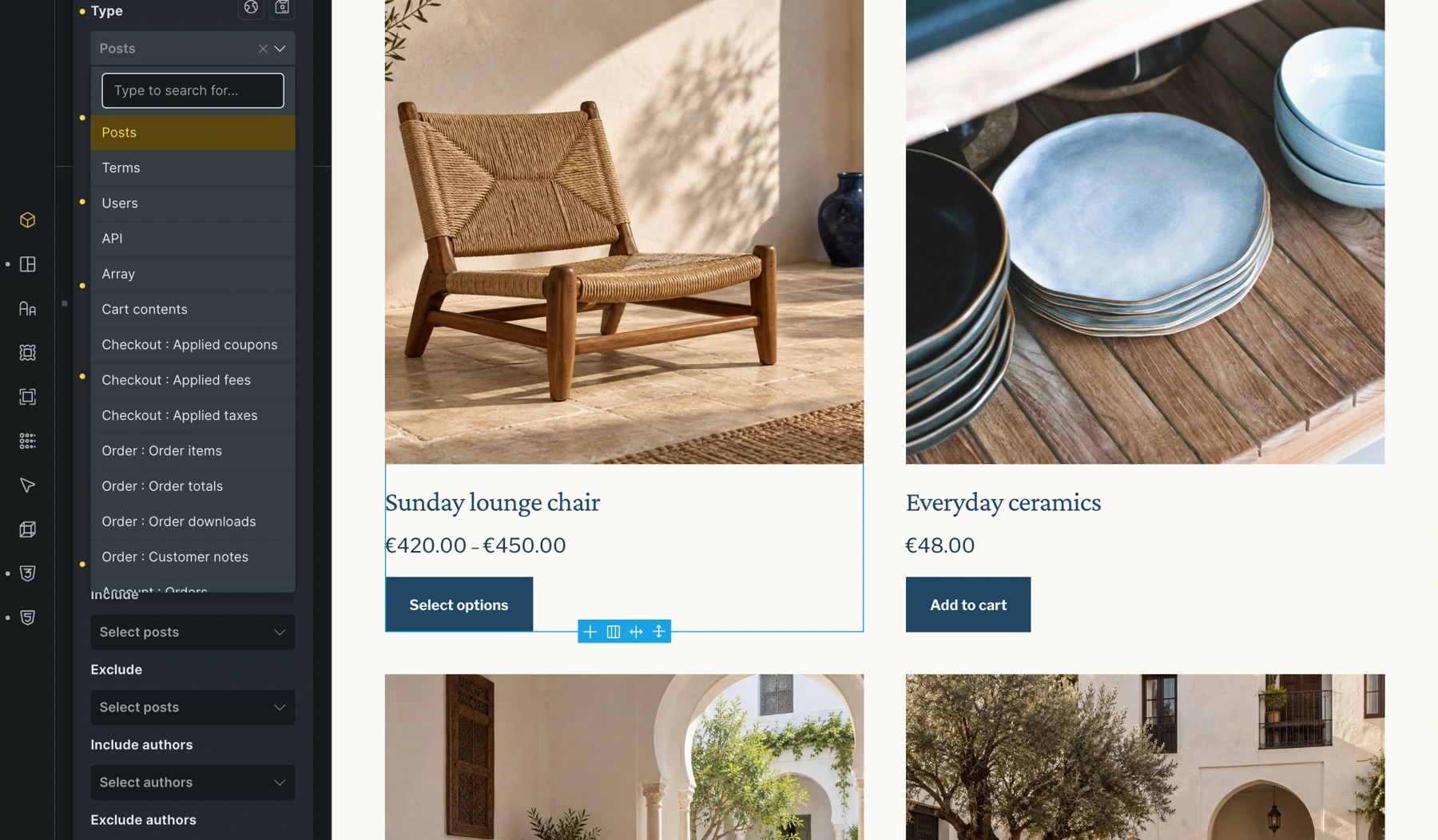
Custom WooCommerce queries
Utilize the Bricks Query Loop to query your products on archive pages, the cart, for related products, and more.
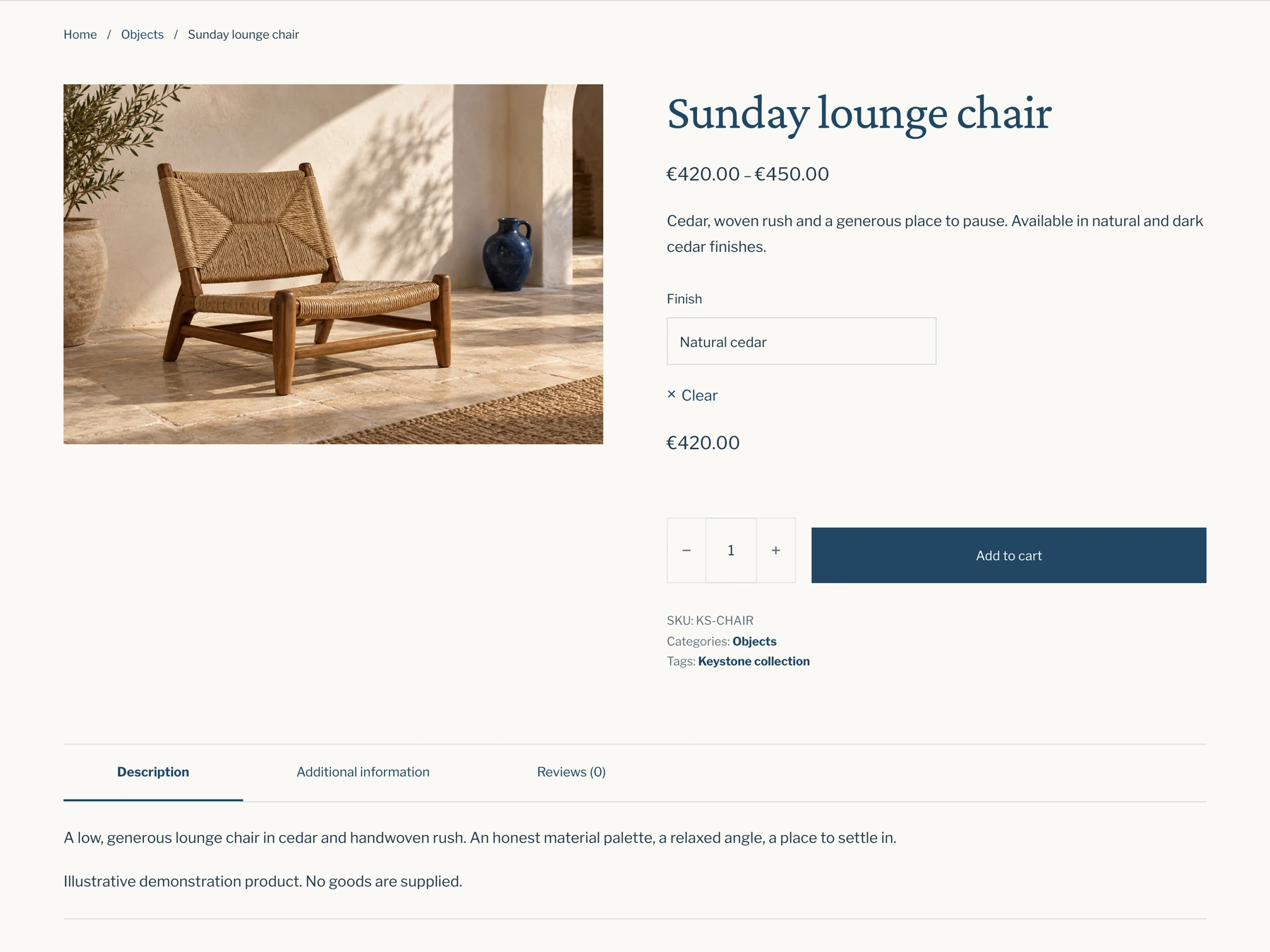
Give every product the spotlight it deserves
Enhance each product's appeal with dedicated single product pages. Providing all the essential information and more for a seamless purchase flow and flawless shopping experience.
Turn product options into a visual shopping experience
Display product variations as color swatches, image buttons, or custom labels, creating a more visual and intuitive shopping experience.
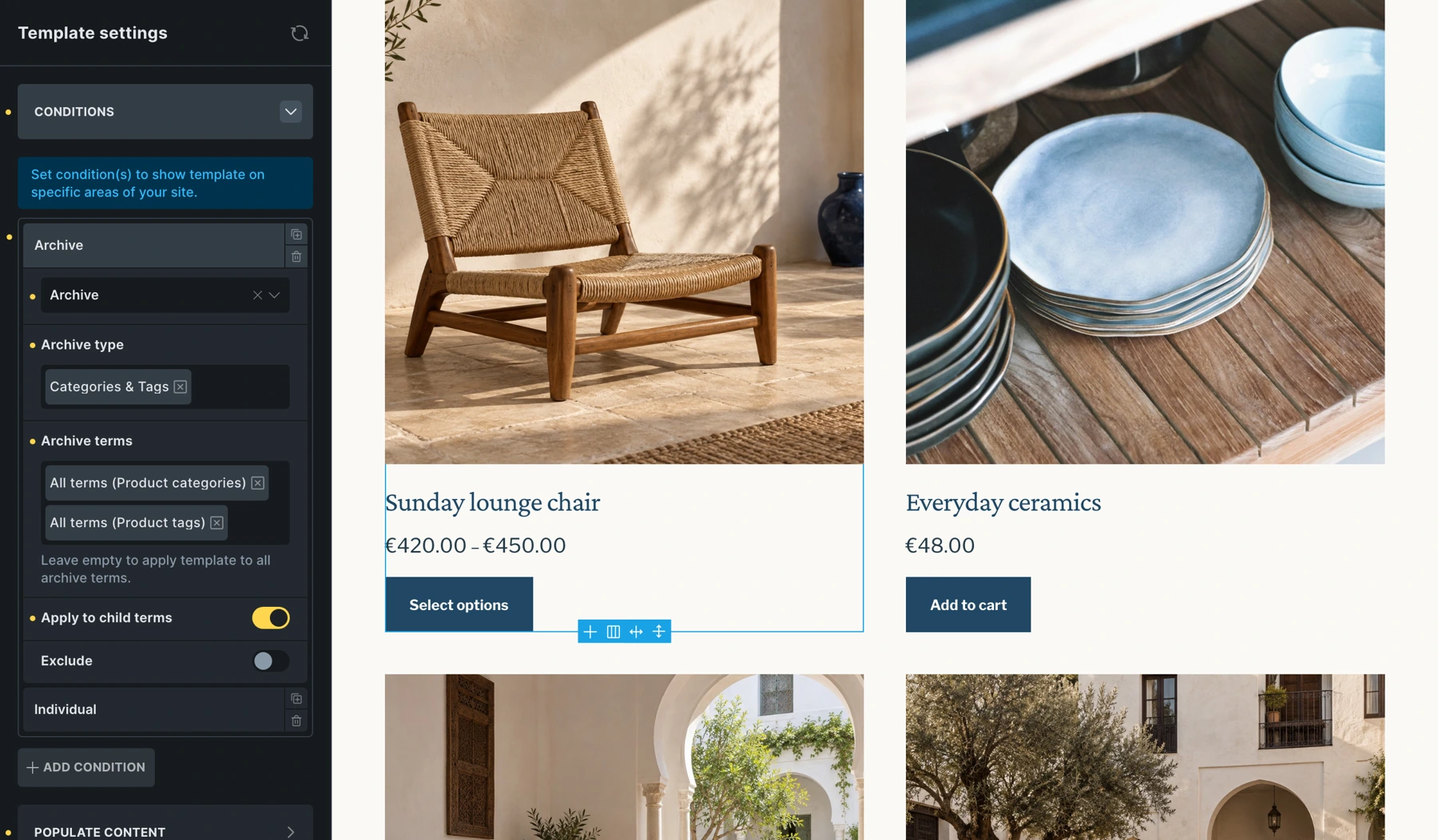
Keep your store layouts organized
Use dedicated templates for product pages, archives, cart, checkout, and customer accounts. The classic workflow remains supported. With advanced modular elements*, related cart, checkout, and account screens can instead be edited as states on their assigned page.
Explore modular WooCommerce elements*Advanced modular elements are experimental and must be enabled in Bricks settings. The classic WooCommerce template workflow remains supported.
Design your cart, filled or empty
Customize your cart layout and empty-cart message. With Cart v2, edit both states on the same page. Arrange product titles separately from variation details, and display unit prices, quantities, and savings where shoppers need them.
Shape the steps from checkout to confirmation
Arrange checkout fields, shipping, payment options, and the order summary. With Checkout v2, edit checkout, payment, and thank-you states in one place, and build a multi-step flow with customizable step navigation.
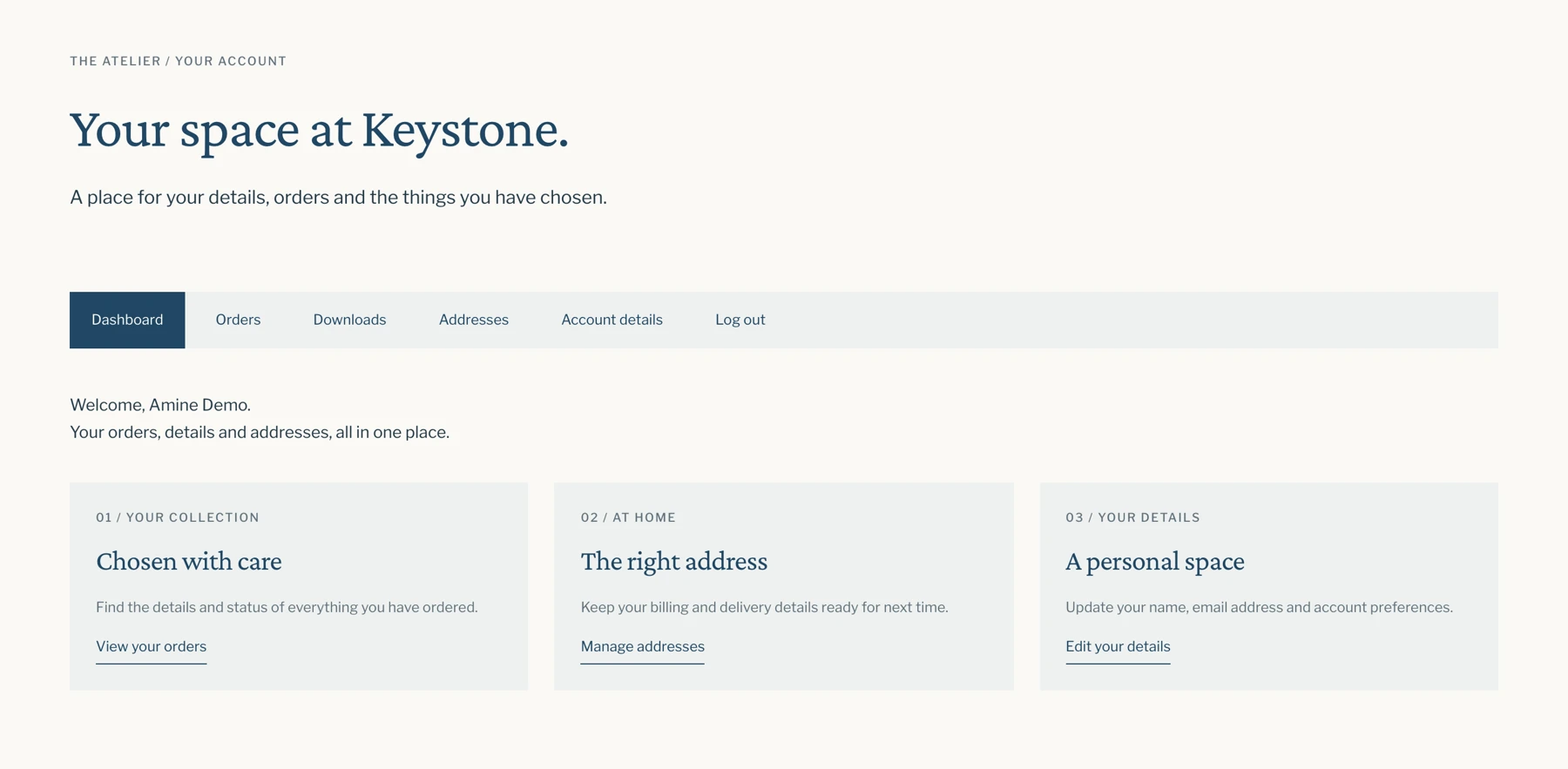
Give customers a consistent account experience
Customize login, password recovery, and account pages. With Account Page v2, switch between dashboard, orders, downloads, addresses, and other supported states while editing the same page.
Let shoppers update their cart without leaving the page
Build a custom mini cart in an offcanvas, dropdown, or popup. Let shoppers change quantities and remove products, with cart contents and totals updating through AJAX.
Show a “Cart updated” confirmation after an item is added, removed, or its quantity changes. Use the cart-content-change trigger to respond to confirmed changes.
Dozens of WooCommerce elements
Combine product, archive, cart, checkout, and account elements to build your store layouts. Use individual elements for focused changes or start from predefined structures in the advanced modular workflow.